
Get Every Canvas Answer. Leave No Trace.
An undetectable Canvas extension that solves your assignments and submits them for you. No suspicious logs.
Live demo. Verified on real Canvas quizzes.
Verified on Chrome Web Store · Time-Back Guarantee



3K+
5-star ratings
10K+
Active users
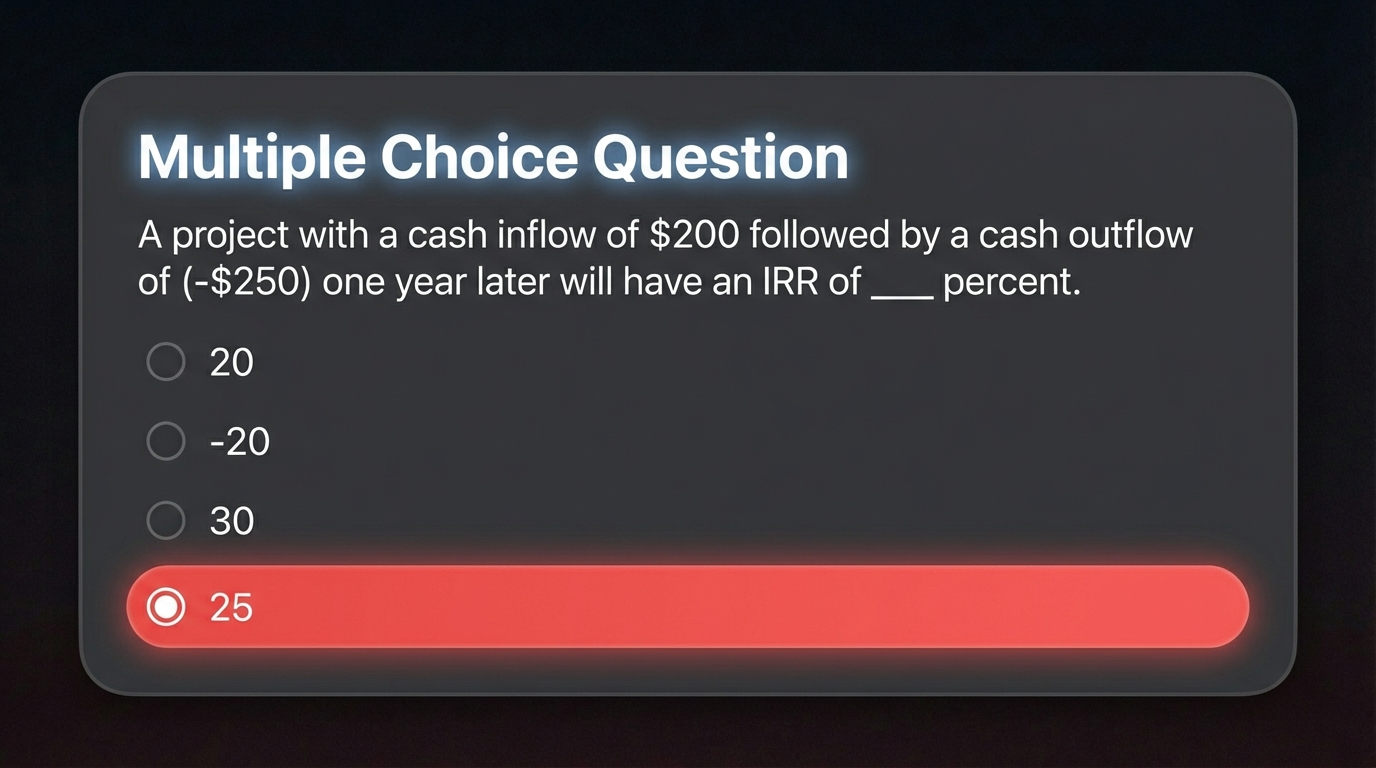
Don't Read a Single Question
Auto-Selects Every Answer
The extension reads the question, finds the answer, and clicks it for you. Multiple choice, dropdowns, true/false. All done before you blink.
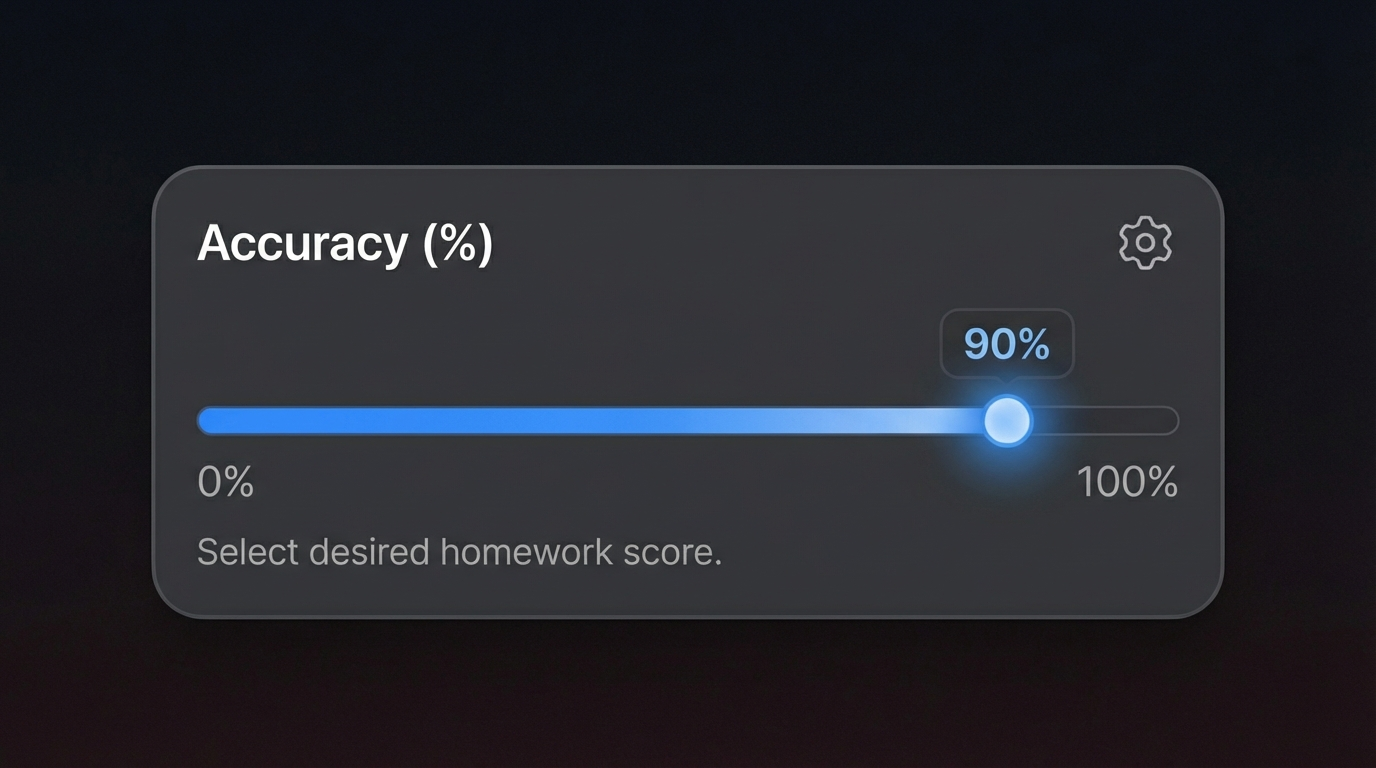
Pick the Score. Blend Right In.
Choose Your Grade
Don't want a perfect score? Set your target to 70%, 85%, or whatever feels natural. The extension mixes in wrong answers so nothing looks suspicious.
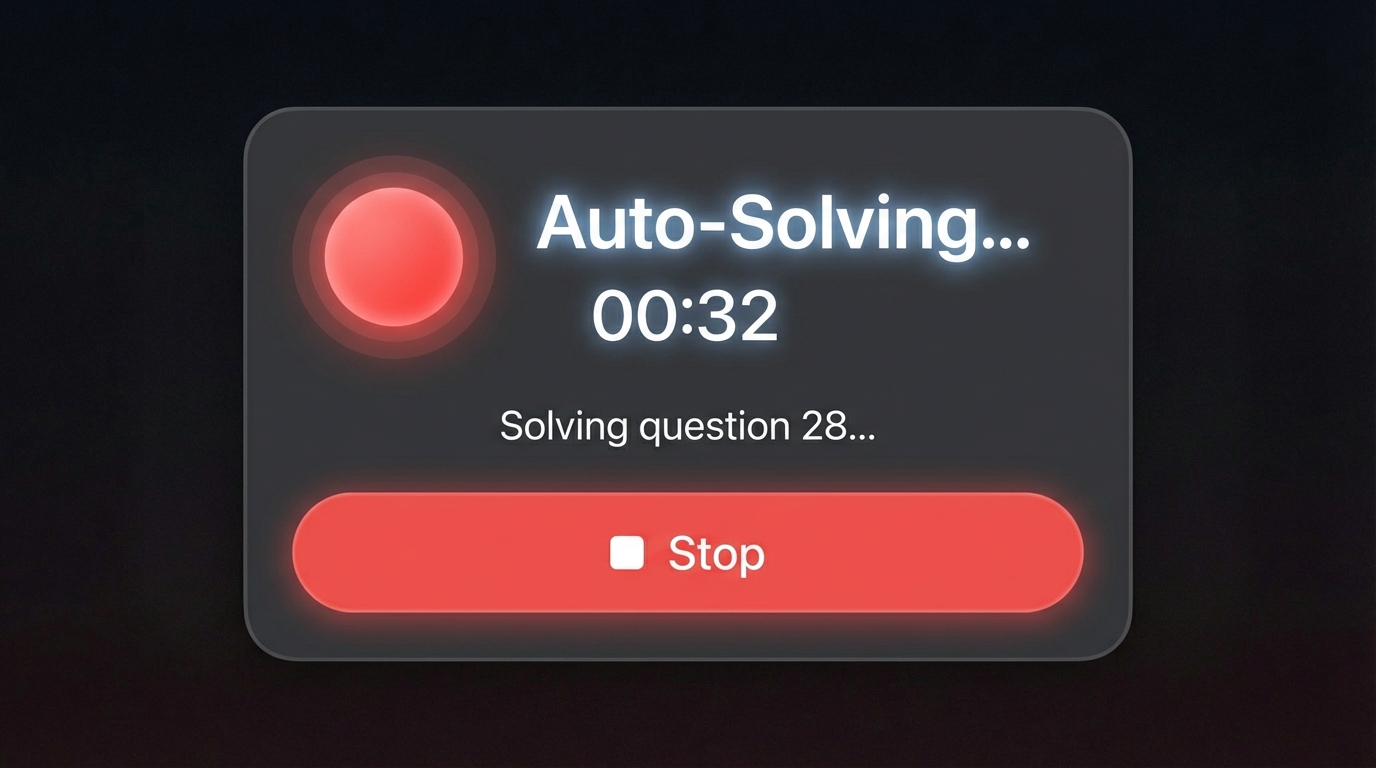
Click Once. Walk Away.
Hands-Free Auto Solve
One click and the extension runs through your entire assignment on its own. No clicking, no scrolling, no babysitting. Come back to a finished assignment.
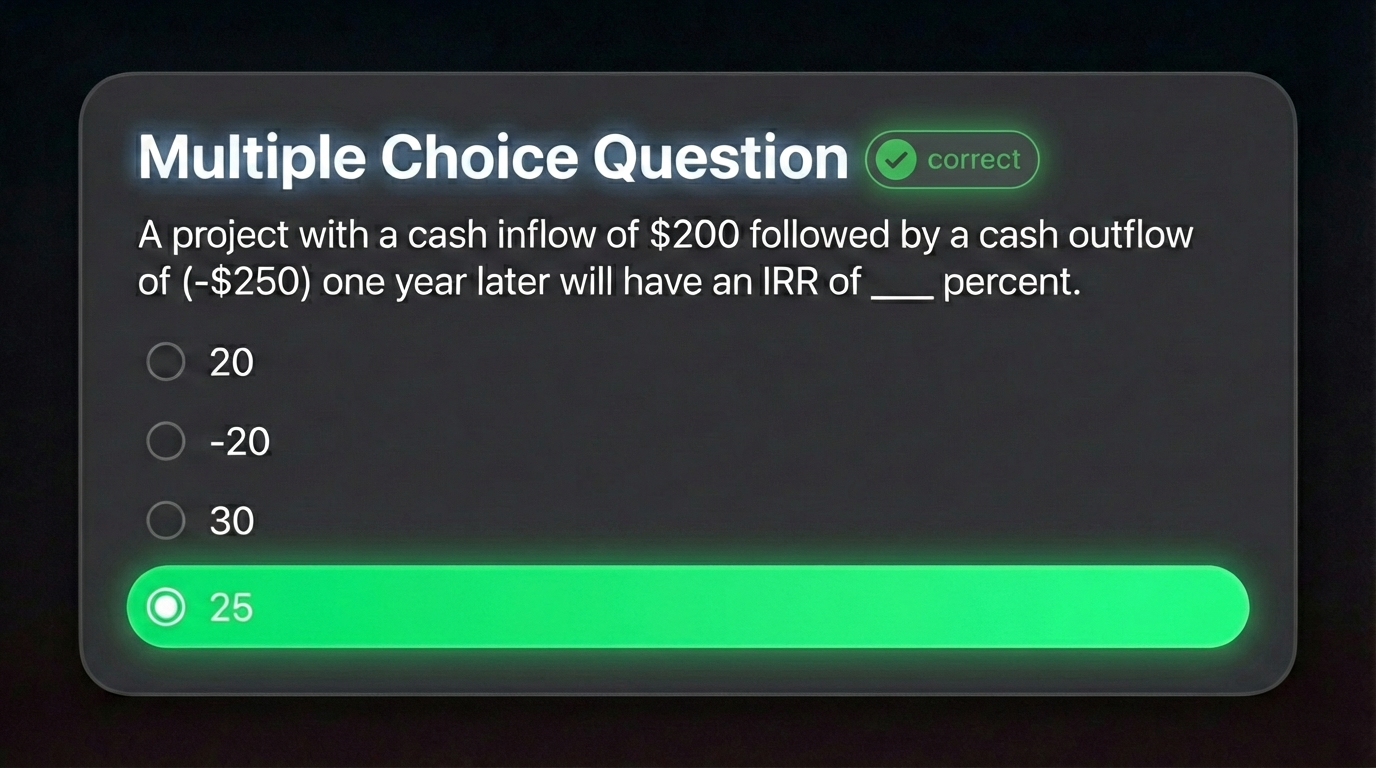
Every Answer Right. On Demand.
100% Accuracy Guaranteed
When you want a perfect score, you'll get one. Every answer comes from verified textbook solutions; zero guessing, zero mistakes.
You Can't Switch Tabs. You Can't Look Away. CourseCheetah Already Has the Answer.
You log in and it's all there. Assignments. Quizzes. Discussion posts due by midnight. Modules you haven't opened yet.
You don't have time for everything and Canvas doesn't care.
The work piles up. Canvas keeps the score. You're behind before the week even starts.
What if you could skip all of that?
Action Log:
- 00:01 Session started
- 00:03 Viewed question: #1
- 00:03 Left quiz tab i
- 00:06 Returned to quiz
- 00:09 Answered question: #1
- 00:12 Viewed question: #2
- 00:14 Left quiz tab i
- 00:17 Returned to quiz
Action Log:
- 00:01 Session started
- 00:03 Viewed question: #1
- 00:09 Answered question: #1
- 00:12 Viewed question: #2
- 00:16 Answered question: #2
- 00:18 Viewed question: #3
- 00:32 Answered question: #3
- 00:38 Viewed question: #4
*Teacher logs: cheating without CourseCheetah vs. cheating with CourseCheetah.
CourseCheetah doesn't help you do Canvas assignments. It does them.
The extension reads your assignment, finds the correct answers, fills them in. All you have to do is submit.
Install
Click Start
Grade Posted
The software reads each question individually. It instantly analyze question using Advanced Contextual AI to determine the correct input. Then it clicks the answer for you with natural, human-like timing.
By the time you come back, your assignment shows 100% Complete.
What Students Are Saying






Tyler M.
Sophomore, Computer Science
"Quiz was closing at midnight. Opened CourseCheetah at 11:40, submitted by 11:47 with a 78. Saved my whole grade in that class. tysm 🙏"
Maya R.
Junior, Biology
"Had 4 missing assignments tanking my grade, mom was on me every single day. Ran CourseCheetah Sunday afternoon. By dinner all of them were in. lifesaver fr"
Devon B.
Freshman, Engineering
"didnt even know what the assignment was asking lol. CourseCheetah didn't care, it just did it. 😭"

Kayla N.
Senior, Accounting
"Score came back an 81. Professor commented 'great work' and moved on. wild lol"
Built so nothing looks out of place.
A perfect quiz score submitted 3 minutes after it opened will get your teacher's attention. CourseCheetah is built so that never happens.
Before it touches a single question, CourseCheetah locks your screen inside Canvas. Tab-switch blocker, focus mode, activity lock. Each layer clicks on one by one, like a pre-flight checklist.
Your screen never looks suspicious. You look like a student who's just doing their work.
Canvas tracks how long you spend on an assignment. CourseCheetah spends the expected time on every page before moving forward. You're in full control:
As far as Canvas and your teacher can tell, a student sat down, worked through it, and submitted.
↓ See how it works in action ↓
 |  |  | |
|---|---|---|---|
| Affordable | |||
| Auto-Solves Assignments | |||
| No Tab Switching | |||
| Done in Seconds | |||
| Built for Canvas | |||
| Accurate Answers | |||
| No Copy-Paste | |||
| Fully Automated | |||
| Zero Frustration | |||
| Chrome Extension |
Time-Back Guarantee
Try it on your next 3 assignments. If it doesn't save you hours, email us for a full refund. No questions asked.
Open Canvas. Hit solve. Walk away.
CourseCheetah handles the rest.
GET INSTANT ACCESSCommon Questions
A browser extension that automatically solves your Canvas LMS assignments. Install it, open your assignment, click solve. Done.
No. You can set your answer confidence to get a natural-looking score like 85% instead of a suspicious 100%. It mixes in wrong answers so your grades look realistic.
Multiple choice, true/false, dropdowns, and fill-in-the-blank. The extension handles all of them automatically.
No. Hit solve and walk away. The extension completes the entire assignment on its own question by question without you there.
Yes. Answers come from verified textbook solutions. With max confidence selected, you get 100% accuracy every time.
Yes. CourseCheetah supports thousands of Canvas LMS courses and textbooks. If your assignment is on Canvas, it almost certainly works.
Chrome, Edge, Brave, Opera, and any Chromium-based browser. Install it from the Chrome Web Store and it works across all of them.
No. Install the extension, log in, and you're ready. Takes under 60 seconds.
Yes. If it doesn't work for your course, reach out and we'll sort it out. No hassle.
Both. It works on any Canvas assignment you can open in your browser. Homework, quizzes, and practice sets.
Yes. The extension runs locally in your browser. We don't access your Canvas login or store any personal data.