Can Canvas Detect ChatGPT? The Honest Answer for 2026
Canvas itself has no built-in AI detector. Some institutions bolt on third-party tools — and those are wildly unreliable. But the real risk isn't the detector. It's your tab log.

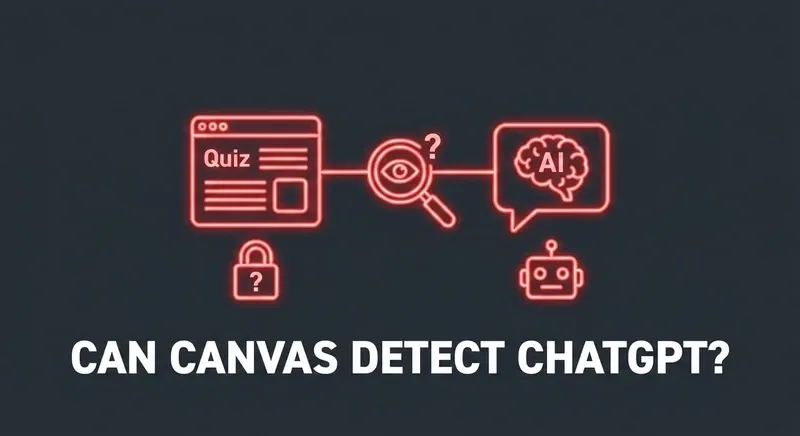
Canvas does not have an AI detector
Out of the box, Canvas doesn't run any model that scans student submissions for "AI-ness." There is no toggle, no setting, no built-in score. Canvas captures behavioral data (the quiz log) and submission text — that's it.
What some institutions add on top
Schools sometimes integrate third-party AI detectors with Canvas:
- Turnitin AI Detection — runs on essay submissions, returns an "AI-generated" percentage.
- GPTZero — instructors paste your text in manually.
- Originality.AI — same paste-in workflow, paid tier.
- Copyleaks AI Detector — also a paste-in tool.
None of these are part of Canvas. They are separate products that an instructor or institution chooses to use.
How reliable are AI detectors actually?
Bluntly: not very. Several major universities (Stanford, MIT, Vanderbilt, University of Texas) have publicly disabled or de-emphasized Turnitin's AI detector after high false-positive rates flagged human-written work as AI-generated.
Independent studies have found false-positive rates between 1% and 9% on human-written text — meaning out of every 100 students who didn't use AI, somewhere between 1 and 9 of them get accused. That's a serious accuracy problem when the consequence is academic dishonesty.
Detectors also struggle hard with text that's been paraphrased, lightly edited, or written by AI in a more natural style. The arms race is largely lost from the detector's side.
The real risk isn't the AI detector
The risk for a Canvas student isn't a model deciding their text "looks like AI." It's the quiz log showing they tab-switched away to ChatGPT for 47 seconds during a question that has a suspiciously polished answer.
That's a behavioral pattern, and it doesn't need an AI detector to be obvious. The cleanest defense is not to switch tabs in the first place — which means whatever AI you're using needs to live inside the quiz page, not outside it.
Skip the gymnastics.
CourseCheetah surfaces the answer on the question itself. Privacy Guard — six browser-level protections — intercepts the tab-leave, focus, and visibility events Canvas would otherwise log. That's the mechanism behind the clean log.
What about Canvas + Turnitin specifically?
If your instructor has Turnitin enabled on Canvas Assignments, the AI Detection feature can be triggered when you submit. The percentage is shown to the instructor, not you. As above: it's not reliable, and many institutions have stopped using it. But the political risk of being flagged is still real.
For essays specifically, the playbook is: write through what the AI gives you in your own voice, vary sentence length, and don't submit raw. Treat AI output as a draft, not a final.
The bottom line
Canvas itself can't detect ChatGPT. Add-on tools sometimes try, with mediocre accuracy. The thing that does reliably catch students is behavioral — tab switches, time mismatches, focus loss. Stay on the page and the rest stops mattering.