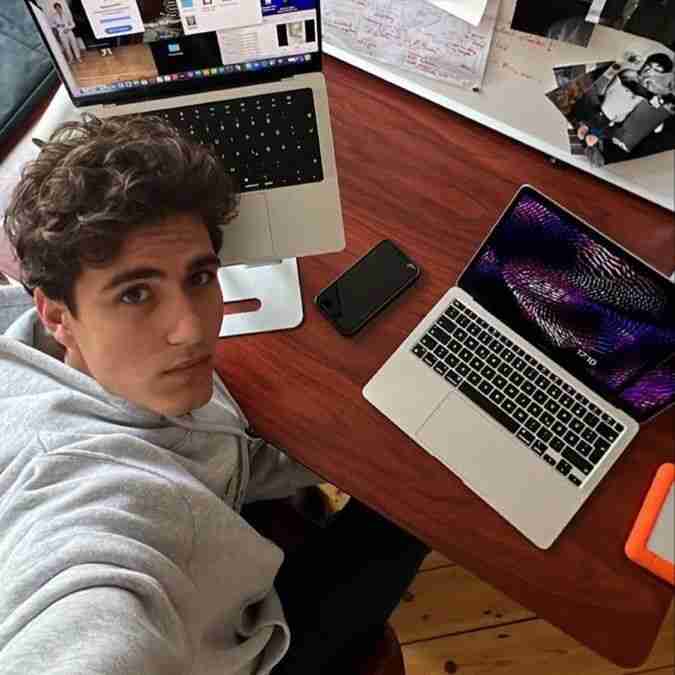
Solve any Canvas quiz without ever leaving the tab. Answers appear right where the question is — and the quiz log shows nothing unusual.
Canvas tracks every tab-switch, click, and pause during a quiz. Privacy Guard blocks them at the source. CourseCheetah leaves nothing for it to find.
*Teacher logs: cheating without CourseCheetah vs. cheating with CourseCheetah.
A purpose-built workflow for Canvas Quizzes and New Quizzes.
Install CourseCheetah from the Chrome Web Store and sign in. Done.
Start your quiz like normal. The CourseCheetah answer button appears on every question — no extra setup.
Click solve. The answer appears inline — no tab switching, no quiz-log event, no looking away from your webcam.
Classic Quizzes and New Quizzes — same answer button, every format.
"Timed Canvas quizzes used to wreck me. Now I open the quiz, click the button, done — without ever leaving the page."
"Works on the chemistry diagrams my Canvas quizzes throw at me. The image-question support is the part nothing else has."
"The fact that my Canvas quiz log stays clean is the whole reason I switched from the tab-switching method."
Flexible pricing options to fit your needs
Perfect for short-term use
Most flexible option
$49.99 billed quarterly
$99.99 billed annually
Save 67%
The questions students ask before installing.
Canvas detection relies on quiz log events — primarily "stopped viewing the quiz" when you tab-switch. Because CourseCheetah keeps the answer on the same page, no log event ever fires. There's no detection signal to capture.
Yes. CourseCheetah works on both Classic Canvas Quizzes and New Quizzes. The same answer button appears on every quiz question regardless of engine.
That's where it shines. Most students use CourseCheetah specifically because timed quizzes don't allow long research detours — answers surface in seconds, on the question.
Multiple choice, true/false, fill-in-the-blank, fill-in-multiple-blanks, multiple answers, multiple dropdowns, matching, numerical, formula, and short answer. Essay prompts get a draft suggestion you can refine.
Under 30 seconds — add it from the Chrome Web Store, sign in, then open any Canvas quiz.
No. The Canvas quiz log shows the same events it would for a normal attempt — viewed question, answered question. Privacy Guard prevents the 'left quiz tab' events that flag professors.
Yes. Answers appear in seconds — well under any quiz timer. CourseCheetah is designed to be faster than reading the question itself.
CourseCheetah reads images, diagrams, and rendered equations directly off the page. No screenshots, no transcribing, no manual workarounds.
Install in under 30 seconds. Try it on your next quiz.