Midterms, finals, proctored exams. CourseCheetah keeps the answer on the question — your eyes never leave the screen, your exam log stays clean.
Canvas logs every tab-switch and focus event. Proctoring software watches every move. Privacy Guard intercepts both.
*Teacher logs: cheating without CourseCheetah vs. cheating with CourseCheetah.
Exams are where instructors actually look at the quiz log. A 12-question pop quiz with three tab switches doesn't get reviewed — too much noise. A final exam where you scored a 96 with eight tab switches in the last fifteen minutes? That gets opened.
On top of that, exams are where webcam monitoring gets bolted on. Now your eyes have to stay on screen, your audio has to stay quiet, and your environment has to look clean.
Tab-switching, phone glances, and second monitors all break under exam conditions. The only method that doesn't is the one that puts the answer where you're already looking.
Install CourseCheetah from the Chrome Web Store and sign in. Done.
Start the exam normally. The CourseCheetah answer button appears on every question.
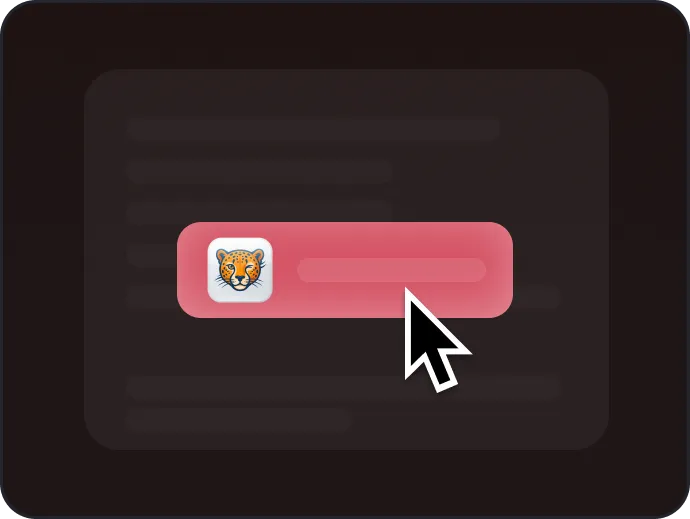
Click solve. The answer appears inline. No tab switching, no log entry, no looking away from the camera.
Flexible pricing options to fit your needs
Perfect for short-term use
Most flexible option
$49.99 billed quarterly
$99.99 billed annually
Save 67%
Canvas writes exam events to the same quiz log it uses for quizzes. The event that gets students caught most often — "stopped viewing the quiz" — only fires when you tab-switch. CourseCheetah keeps you on the page, so the log stays clean.
Yes — finals run on the same Canvas Quizzes / New Quizzes engine as every other quiz or test in the platform. The same answer button works.
Timed exams are exactly the use case CourseCheetah was built for. The answer surfaces in seconds, on the question, so the time limit never becomes the constraint.
Math, statistics, accounting, physics, chemistry, biology, business, history, psychology, computer science — every subject your Canvas exams might cover. Image-based questions (formulas, diagrams) are supported too.
Lockdown Browser blocks browser extensions entirely — CourseCheetah won't run inside it. For non-Lockdown proctoring, see the next answer.
CourseCheetah keeps the answer on the question, so you never look away from the screen. Webcam proctoring catches looking sideways or down at a phone — neither happens.
No. Privacy Guard intercepts tab-switch and focus events at the source. The exam log reads as a normal attempt.
Install in under 30 seconds. Try it before your next midterm.