Can Canvas Detect Copy and Paste?
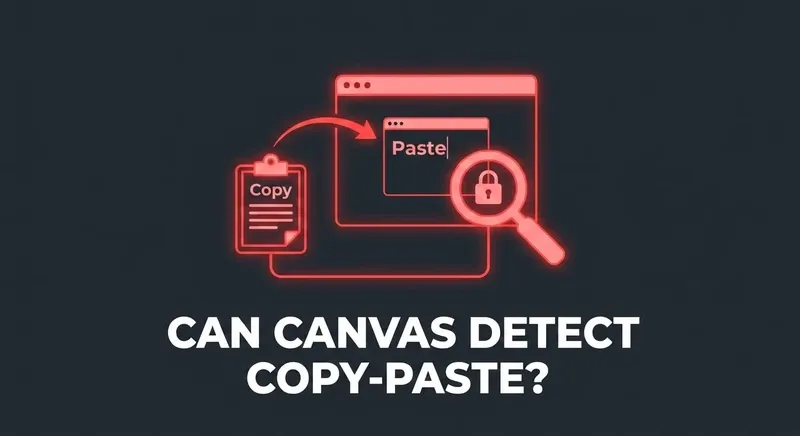
Canvas itself doesn't natively flag copy-paste in quiz answer fields. There's no "pasted text" event. But the timing around pasted text often gives it away — and proctoring add-ons sometimes do log paste events.

What native Canvas captures
For a vanilla Canvas Quiz with no proctoring layer, the quiz log captures:
- When you viewed each question.
- When you committed an answer (and the answer's value).
- When you stopped viewing the quiz (tab switches, focus loss).
- When you submitted.
It does not capture:
- Keystrokes.
- Right-click events.
- Clipboard reads or paste events.
- What you typed and deleted before committing.
Where copy-paste actually gets flagged
Three signals can effectively detect pasted answers, even though Canvas doesn't directly log them:
- Timing. If you spent four seconds on a 200-word essay and the answer is fully formed, that's not writing. The quiz log shows the time-on-question, and the gap between viewing and submitting tells the story.
- Tab switch correlation. If you tab-switched, came back, and then submitted within seconds — that's a tell that's nearly identical to "left, copied something, came back, pasted."
- Plagiarism / AI detectors. Turnitin, SimCheck, and similar tools compare your text against a corpus or run AI-detection on it. These run separately from Canvas but feed back into the instructor's view.
What proctoring layers add
Some monitoring tools capture browser-level events including paste actions during a session. If your instructor enabled those, paste detection becomes a real risk.
Even then, it's not the paste itself that's the problem — it's the combination: paste event + matching timing + matching content + tab-switch behavior. Any one of those alone is noise. All four together is a case.
Skip the gymnastics.
CourseCheetah surfaces the answer on the question itself. Privacy Guard — six browser-level protections — intercepts the tab-leave, focus, and visibility events Canvas would otherwise log. That's the mechanism behind the clean log.
If you must paste
A few practical defenses for essay-style answers:
- Don't paste a full block. Type at least the first sentence to make timing look reasonable.
- Edit in-line. Restructure paragraphs in your own voice. Vary sentence length.
- Don't tab-switch. The combination of switch + paste is the strongest signal. Removing the switch removes most of the risk.
- Pre-write offline. If you have to bring text in, do it from a notes file you've been adding to over time, not a fresh ChatGPT response.
The bottom line
Canvas alone has no paste detector. But the patterns around pasted text — speed, tab switches, content match — give it away constantly. The cleanest workflow is one where you don't have to paste at all because the answer is already where you need it.