Can Teachers See When You Switch Tabs on Canvas?
Yes. They have a built-in tool for it: the Canvas quiz log. Every tab switch becomes a "stopped viewing" event with a timestamp, available to any instructor with quiz access.

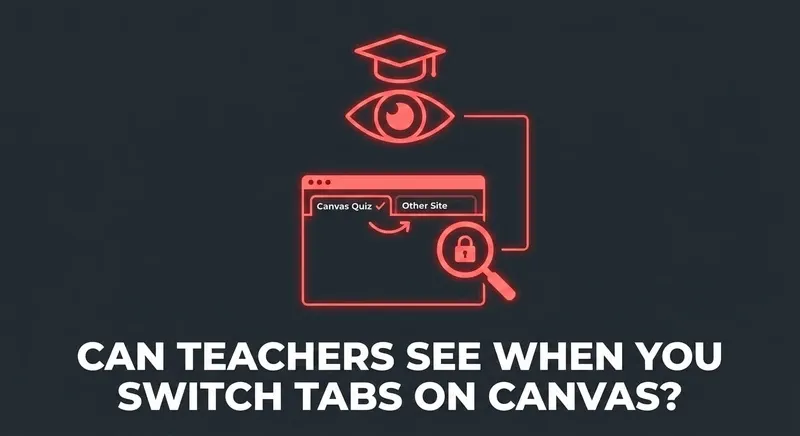
The short answer: yes
When you switch tabs during a Canvas quiz, Canvas writes a "stopped viewing the quiz" event to the per-student quiz log. Your professor can pull this log for any student, any quiz, any time. It's not hidden — it's a built-in Canvas feature.
What the professor actually sees
A line in the quiz log that looks roughly like:
14:32:08 - Stopped viewing the quiz
14:32:51 - Resumed the quiz
That's 43 seconds away from the quiz tab. The instructor doesn't see where you went — Canvas can't see your other tabs. But they see that you left and how long you were gone.
Do they always check?
No. The quiz log isn't reviewed by default. Most low-stakes nightly homework never gets opened. What gets opened: high-stakes exams, suspicious score-time mismatches, or any time an instructor flags an academic-integrity question for a specific student.
Common student questions
"Can they see what tab I switched to?"
No. Only that you left and when you came back.
"Does it count if I just opened a sticky note app?"
If focus left the browser, yes. The trigger is browser focus loss, not tab destination.
"What if my computer briefly lost connection?"
Connection loss alone doesn't fire the event. Window focus changes do. If your screen never went dark and you didn't alt-tab, you're fine.
"Can they see if I right-clicked or copied text?"
No. Canvas's quiz log doesn't capture clipboard or right-click events. Only focus and answer events.
Skip the gymnastics.
CourseCheetah surfaces the answer on the question itself. Privacy Guard — six browser-level protections — intercepts the tab-leave, focus, and visibility events Canvas would otherwise log. That's the mechanism behind the clean log.
The bottom line
Teachers absolutely can see when you switch tabs on Canvas — and the data is one click away in the quiz log. Whether they look depends on the quiz. The cleanest path is to never give them anything to look at.