Does Canvas Track Tab Switching? Yes. Here's Exactly How
The short version: Canvas writes a "stopped viewing the quiz" event to the quiz log every time you switch away from the quiz tab. Here's what that means for you, and what does not actually trigger it.

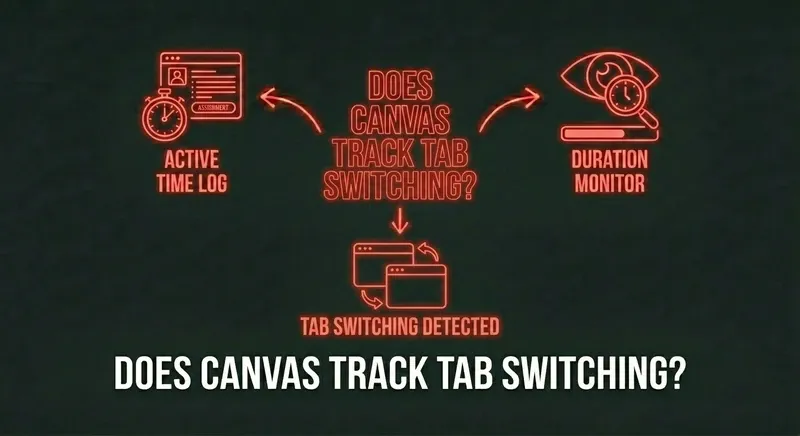
Yes, Canvas tracks tab switching
Canvas Quizzes (and New Quizzes) emit a "stopped viewing the quiz" event to the per-student quiz log every time browser focus leaves the quiz tab. The trigger is browser focus loss — Canvas can't see where you went, but it timestamps the moment you left and the moment you came back.
What triggers the event
- Switching to another tab in the same browser window.
- Alt-tabbing to another application.
- Switching to another browser window.
- Minimizing the browser entirely.
- Locking your computer (focus is lost).
What does NOT trigger it
- Opening DevTools in the same window — focus stays on the quiz tab.
- Hovering over a notification — no focus change.
- Splitting your screen with two visible tabs side-by-side, as long as the quiz tab keeps focus.
- Scrolling within the quiz, obviously.
- Using a browser extension that runs inside the page — like CourseCheetah. Because the extension surfaces answers on the question itself, focus never leaves.
Can the professor actually see this?
Yes. Any instructor with quiz access in Canvas can pull the quiz log for any individual student. It's a built-in feature, not an add-on. The log shows the start time, every question viewed and answered, and every "stopped viewing" event with timestamps.
Whether they actually look depends on the stakes. A nightly homework with three switches probably never gets reviewed. A final exam with eleven switches in the last fifteen minutes definitely does.
How many tab switches is too many?
There's no fixed threshold. What gets flagged is the pattern — a high number of switches that correlates with hard questions answered correctly in seconds. Three switches across a 30-minute exam is normal noise. Three switches per question is a problem.
Skip the gymnastics.
CourseCheetah surfaces the answer on the question itself. Privacy Guard — six browser-level protections — intercepts the tab-leave, focus, and visibility events Canvas would otherwise log. That's the mechanism behind the clean log.
The bottom line
Canvas absolutely tracks tab switching. The signal isn't subtle, and instructors who want to look at it can. The only way to make it a non-issue is to never switch tabs — which means putting the answer on the same page as the question.